


UX designers rely on a diverse array of tools to craft intuitive, engaging digital experiences that delight users. From wireframing and prototyping to user research and testing, these essential tools streamline the design process and facilitate collaboration among cross-functional teams. Discover the top 10 UX tools that every designer should have in their toolkit to create seamless, user-centric products that delight users, naturally grow through word of mouth, and are profitable through low churn.
Table of Contents
These tools are used for creating wireframes, prototypes, and designing user interfaces. Some of the most best design and prototyping tools include:
Figma is a collaborative interface design tool that has become a go-to platform for designers and teams looking to streamline their workflows and create exceptional user experiences. Some key advantages of Figma include:
While Figma has gained significant popularity, it’s worth noting that some users may experience performance issues with complex projects, and the platform’s reliance on an internet connection can be a drawback for those with limited connectivity.
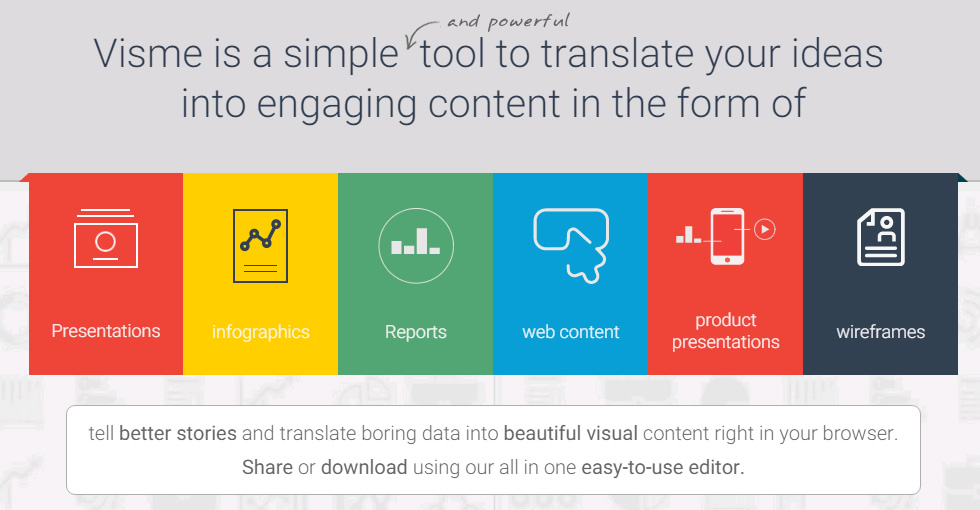
Visme is a powerful visual content creation platform that enables businesses and individuals to create engaging, professional-quality visuals without extensive design experience. Here are some key ways Visme can enhance your visual content strategy:
By leveraging Visme’s extensive features and intuitive interface, businesses can create visually stunning content that captures attention, communicates effectively, and drives engagement with their target audiences.
Adobe XD is a comprehensive vector-based user experience design tool developed by Adobe Inc. Here are some of its key features and capabilities:
Prototyping and Animation: XD allows designers to create interactive prototypes with transitions and animations, enabling them to simulate the actual user experience of a product before development.
Responsive Design: XD supports responsive design, allowing designers to create layouts that adapt to different screen sizes and resolutions, ensuring a consistent experience across devices.
Design Systems: XD facilitates the creation and management of design systems, enabling designers to maintain consistency across projects and streamline collaboration with developers.
Collaboration and Sharing: XD offers real-time collaboration features, allowing multiple team members to work on the same project simultaneously. Designers can also share prototypes with stakeholders and gather feedback directly within the tool.
Plugins and Integrations: XD supports a wide range of plugins and integrations with other Adobe Creative Cloud applications, as well as third-party tools like Slack, Jira, and Microsoft Teams, enhancing workflow efficiency.
Voice Design: XD includes features for designing voice user interfaces (VUIs) and previewing voice interactions, enabling designers to create experiences for smart assistants and voice-enabled devices.
Learning Resources: Adobe provides various learning resources, including tutorials, articles, and live streams, to help designers master XD and stay up-to-date with best practices.
While Adobe XD offers a comprehensive set of features, some users have reported performance issues with complex projects and limitations in font rendering on mobile devices. Additionally, the discontinuation of XD as a purchasable item has raised concerns about its future development and support.
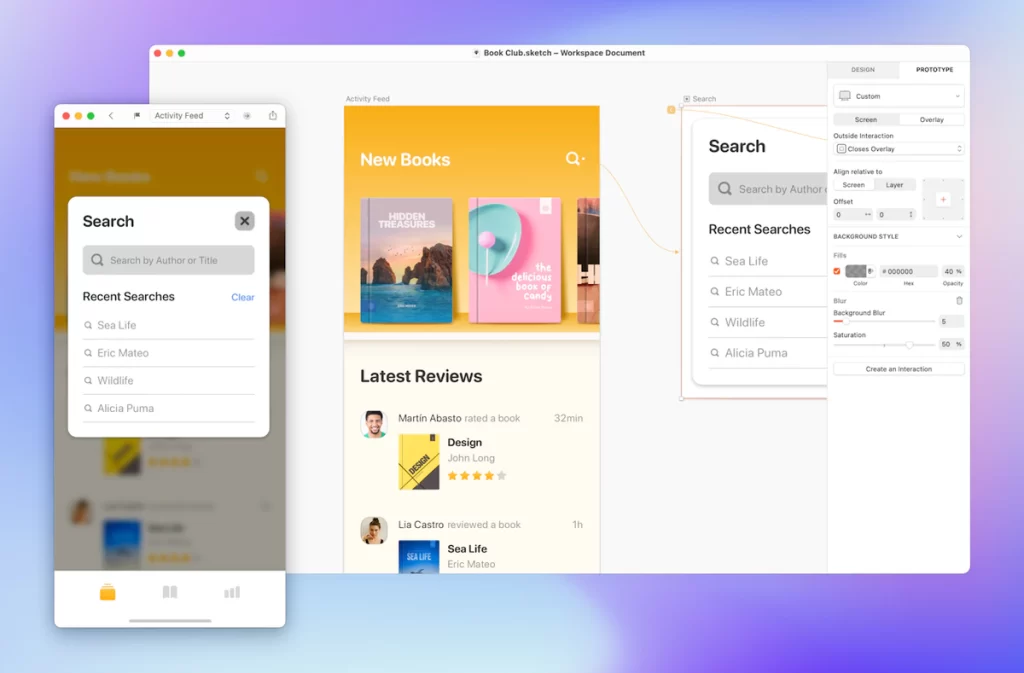
Sketch is a popular vector graphics editor and design tool for creating user interfaces, icons, illustrations, and other digital designs. Some key features and capabilities of Sketch include:
Vector Editing: Sketch provides advanced vector editing tools, allowing designers to create and manipulate shapes, paths, and bezier curves with precision.
Artboards and Pages: Designers can organize their work using artboards and pages, enabling them to create multiple designs or variations within a single file.
Symbols and Libraries: Sketch supports the creation of reusable symbols and shared libraries, facilitating the development and maintenance of design systems and ensuring consistency across projects.
Prototyping: Sketch offers basic prototyping capabilities, allowing designers to create interactive prototypes and simulate user flows.
Plugins and Extensions: Sketch has a robust ecosystem of plugins and extensions that extend its functionality, enabling designers to automate tasks, integrate with other tools, and streamline their workflows.
Collaboration and Handoff: Sketch supports collaboration features, such as shared libraries and version control, and provides tools for design handoff to developers, including code export and asset management.
Responsive Design: Sketch includes features for creating responsive designs, allowing designers to preview and test their work across different screen sizes and resolutions.
While Sketch is primarily a Mac-only application, it offers a web-based viewer and collaboration platform called Sketch Cloud, enabling cross-platform access and collaboration.
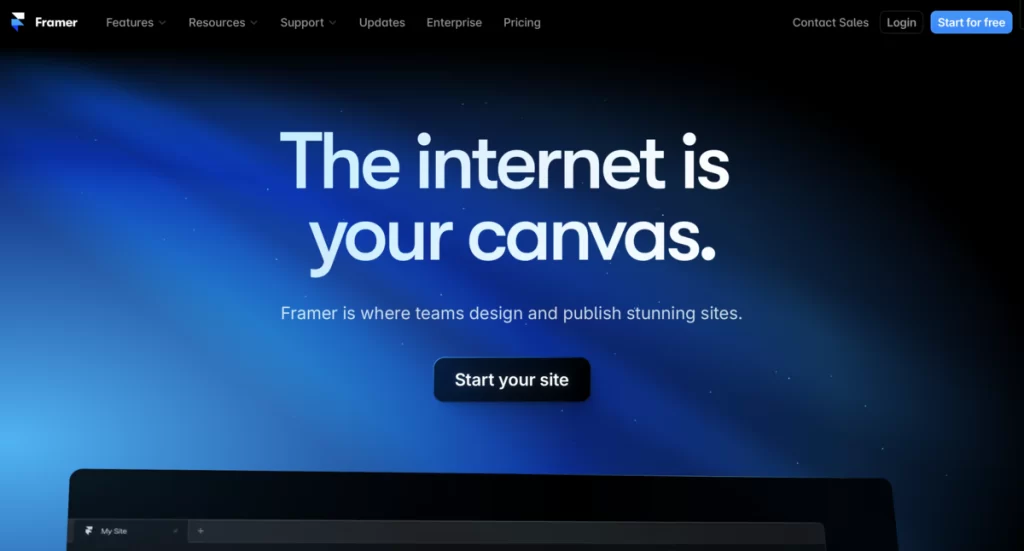
Framer is a powerful web design platform that combines the simplicity of no-code tools with the flexibility and customization of traditional development. Some key advantages of Framer include:
While Framer is a powerful tool, it does have some limitations. Positioning design elements can be tedious at times, and users may need web development knowledge to fully leverage the platform’s capabilities.
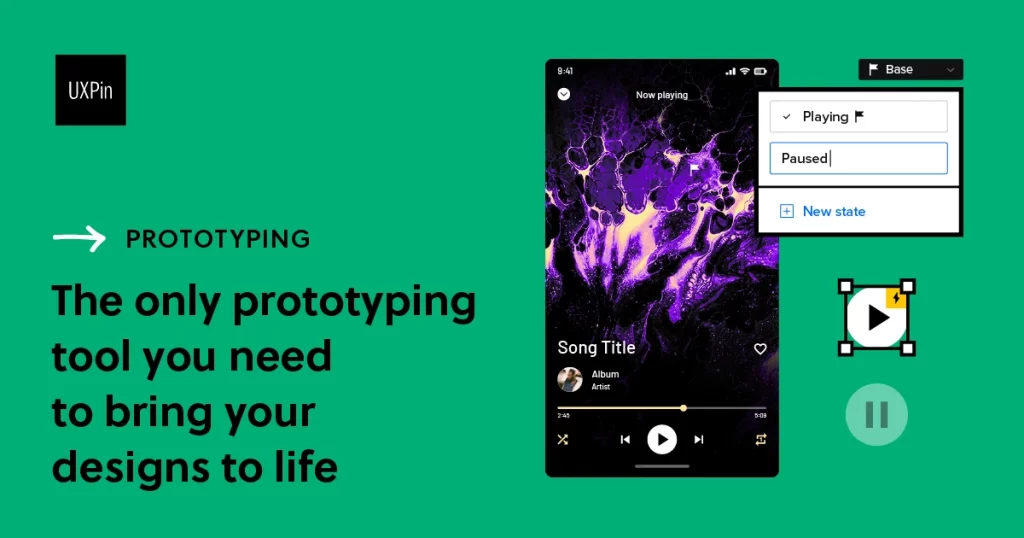
UXPin is a comprehensive UI design and prototyping platform that empowers designers to create interactive, code-based prototypes and design systems. Some key features and benefits of UXPin include:
While UXPin offers a robust feature set, some users have reported performance issues, a steep learning curve, and limited documentation compared to other popular design tools like Figma and Adobe XD.
UX analytics tools are software platforms that collect and analyze data on how users interact with digital products, providing valuable insights into user behavior and experience. These tools work by tracking metrics like clicks, scrolls, session duration, and conversion rates, and often include features like heatmaps, session recordings, and A/B testing.
UX designers and researchers use analytics tools alongside UX surveys to gain a comprehensive understanding of the user experience: the quantitative data from analytics tools reveals what users are doing, while the qualitative feedback from surveys provides the why behind those actions. By combining these insights, teams can make data-driven decisions to optimize the user experience, improve engagement and conversions, and deliver products that truly resonate with users.
Hotjar is a powerful user behavior analytics platform that provides UX design teams with valuable insights to optimize the user experience. By combining qualitative and quantitative data, Hotjar enables designers to make informed decisions and create user-centric products. Here are some key ways UX teams can leverage Hotjar:
By combining these powerful features, UX teams can gain a comprehensive understanding of user behavior and preferences. Hotjar’s insights enable designers to make data-driven decisions, iterate on designs with confidence, and ultimately create products that align with user needs and expectations.
UX survey tools are designed to support various stages of the UX research process, particularly during the discovery and testing phases. These tools enable researchers to create targeted surveys, recruit participants, and analyze results to gather valuable insights into user needs, behaviors, and preferences.
In the early stages, UX surveys can help identify pain points and inform the initial design. As the design progresses, survey tools allow teams to evaluate features, assess user satisfaction, and collect feedback for iterative improvements. Some of these tools provide a centralized platform for survey creation, distribution, and analysis, which can streamline the UX research process.
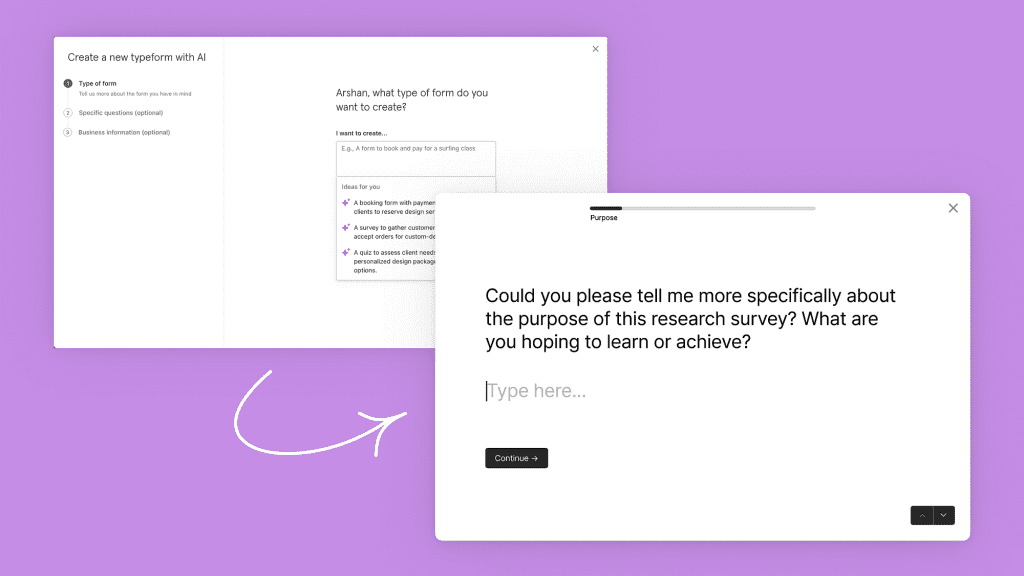
Typeform is a popular online survey tool that offers an intuitive and engaging way to collect user feedback for UX research. Here are some key benefits of using Typeform for UX surveys:
However, Typeform does have some limitations. While it excels at survey creation, it lacks advanced analysis features, meaning researchers may need to export data to other tools for more in-depth insights. Additionally, some users have reported that Typeform’s pricing can be relatively high compared to other survey tools like SurveyMonkey or Google Forms.
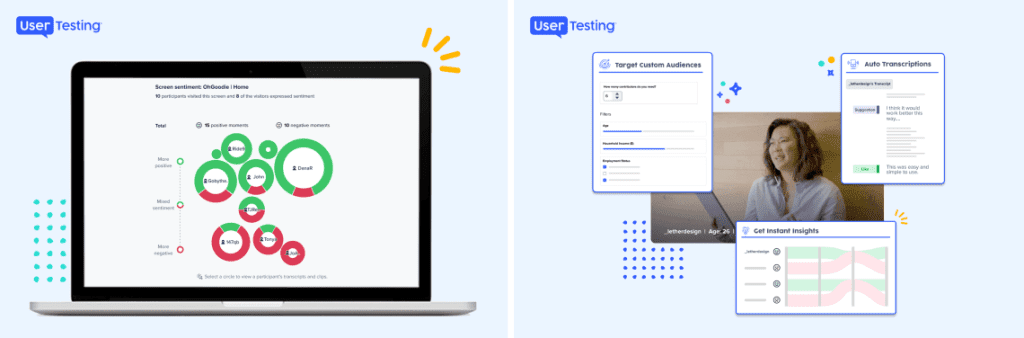
UserTesting is a powerful platform that enables organizations to gather real-time user feedback and insights to inform customer-centric decisions. Here are some key features and benefits of UserTesting:
While UserTesting offers a comprehensive solution for gathering user insights, some users have reported challenges with integrating the platform into existing workflows, particularly for teams that rely heavily on quantitative data. Additionally, the pricing structure may require workarounds for conducting larger-scale studies.

The clickworker survey tool is a user-friendly UX survey platform that simplifies the process of gathering valuable user feedback to inform product design and development decisions.
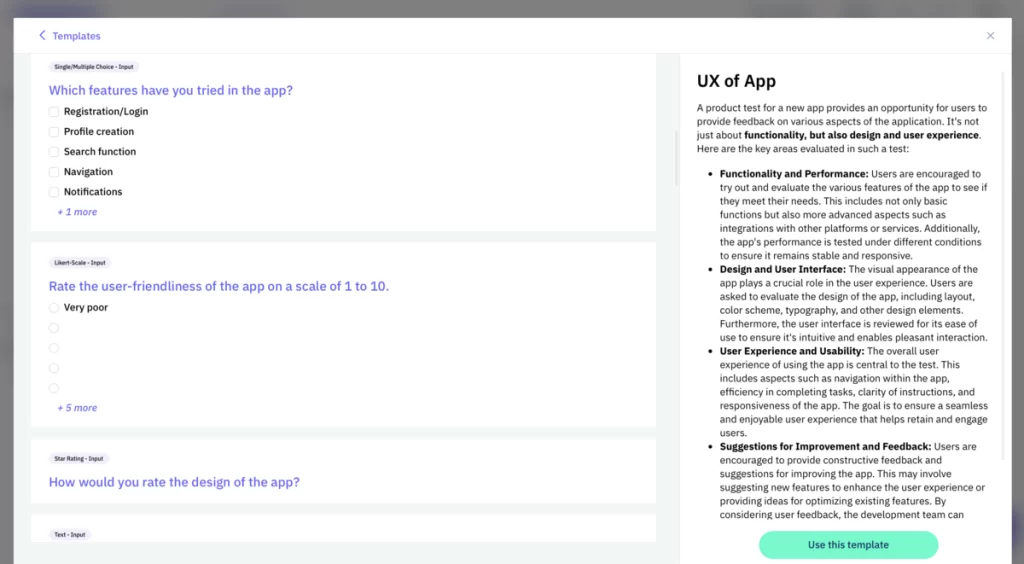
By leveraging the clickworker survey tool’s features, UX researchers and designers can:
By streamlining the UX research process and providing direct access to user feedback, the clickworker survey tool empowers product teams to create user-centric designs that effectively meet the needs and expectations of their target audiences.
Build better products with the clickworker Survey Tool
Understanding your users’ needs and wishes allows you to build digital products that are effective, useful, exciting, and easy to use.
Start Your UX Research Today
For beginners, the most accessible starting points are Figma for interface design and prototyping, Hotjar for basic behavior analytics, and a survey platform like the clickworker survey tool for collecting user feedback. All three have free or low-cost tiers and strong learning resources.
UX design tools (such as Figma, Sketch, or Adobe XD) are used to create wireframes, mockups, and interactive prototypes. UX research tools (such as Hotjar, UserTesting, or survey platforms) collect data on how real users experience a product. Both categories are essential: design tools shape the product, while research tools validate whether it works for the intended audience.
UX survey tools are specifically built for research workflows. They typically offer features like screener questions for audience targeting, template libraries tailored to UX tasks (usability testing, satisfaction scores, feature feedback), and integration with design or analytics tools. Standard survey tools lack these specialist capabilities and the access to pre-recruited participant panels that purpose-built UX platforms provide.
For qualitative usability testing, research by the Nielsen Norman Group suggests that 5 participants uncover roughly 85% of usability issues. For quantitative surveys aimed at statistical significance, a minimum of 100–200 respondents is typically recommended, depending on your target population size and required confidence level.
Yes, and this is standard practice. A common workflow combines a prototyping tool (Figma or Sketch) for design, a behavior analytics tool (Hotjar) to track live interactions, and a survey platform to capture the qualitative reasoning behind observed patterns. Using complementary tools produces a more complete picture than relying on any single platform.
Key criteria include: the size and targeting options of the participant panel, the quality and variety of question types, real-time result reporting, the ability to add multimedia elements, pricing transparency, and GDPR compliance. A platform that combines survey creation with access to a verified participant pool — like the clickworker survey tool — reduces the overhead of recruiting respondents separately.


