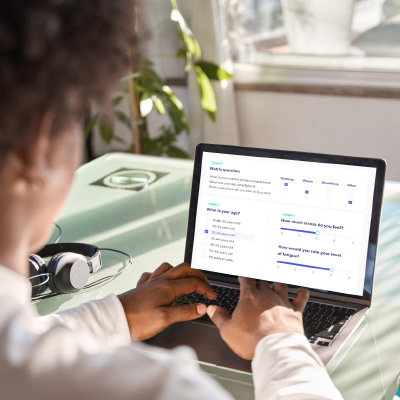
Build your survey. Reach the right respondents. Receive ready-to-use reports. From self-service setup to AI-supported features and expert backup when needed. Unlike traditional survey tools, clickworker connects survey creation, respondent recruitment, and reporting in one seamless workflow.

Whether you’re testing product ideas, gathering customer feedback, or running structured market research, our survey tool gives you full control: from creation to final insights.
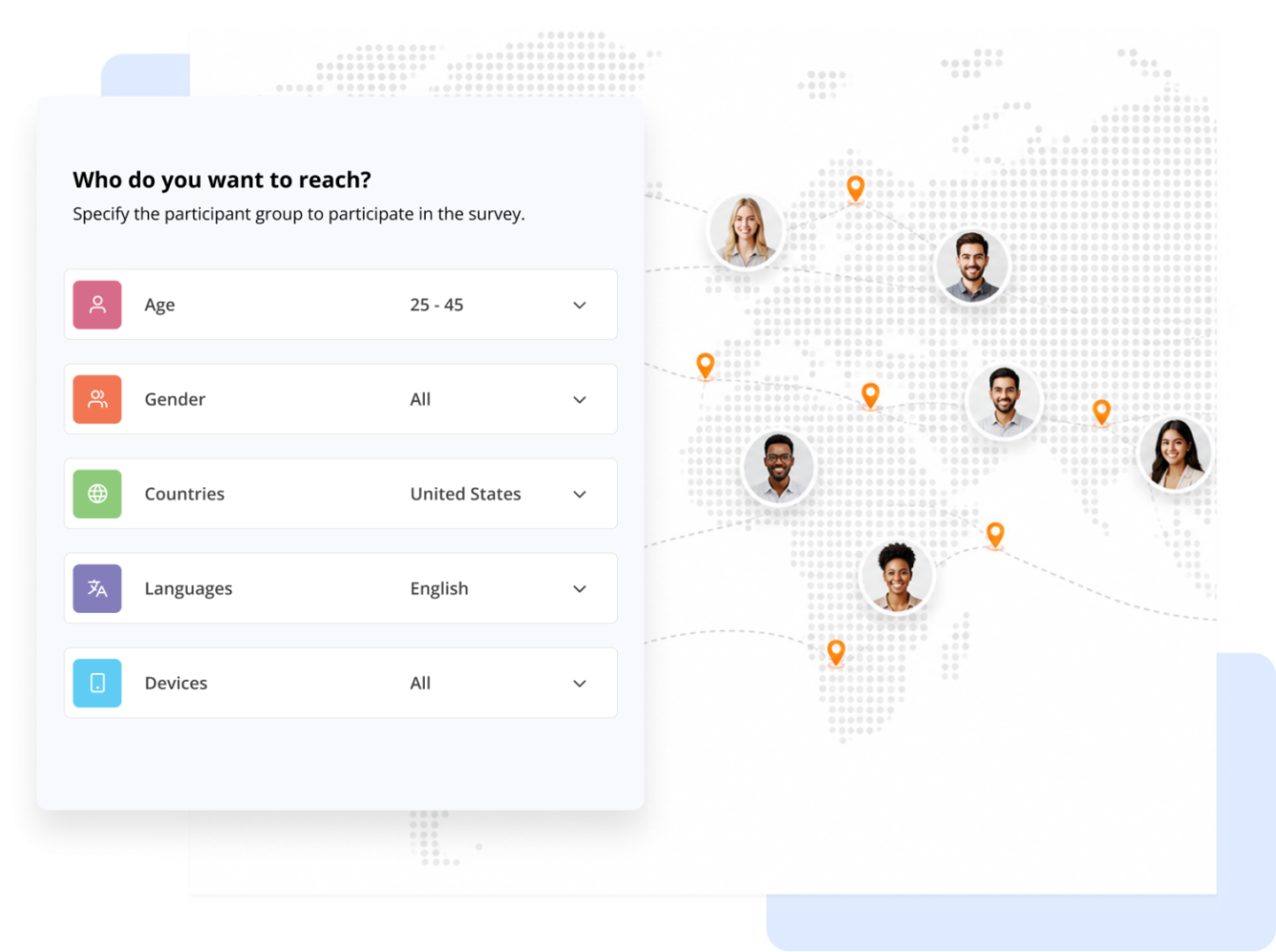
Once you’ve chosen a template – either using an existing one or starting your survey from scratch (templates will be available soon) – your next step is to define your target audience. Through clickworker’s global panel, you gain access to millions of survey participants and can precisely reach the people most relevant to your study.
Precise Targeting Options
All respondents are managed under strict compliance with data protection rules (such as GDPR) and built-in quality controls ensure reliable data.
Only Need Participants for an External Survey?
If you already created your survey in another tool, you can use clickworker exclusively for respondent acquisition. We can route qualified participants to your external survey.
Learn more about finding survey participants.
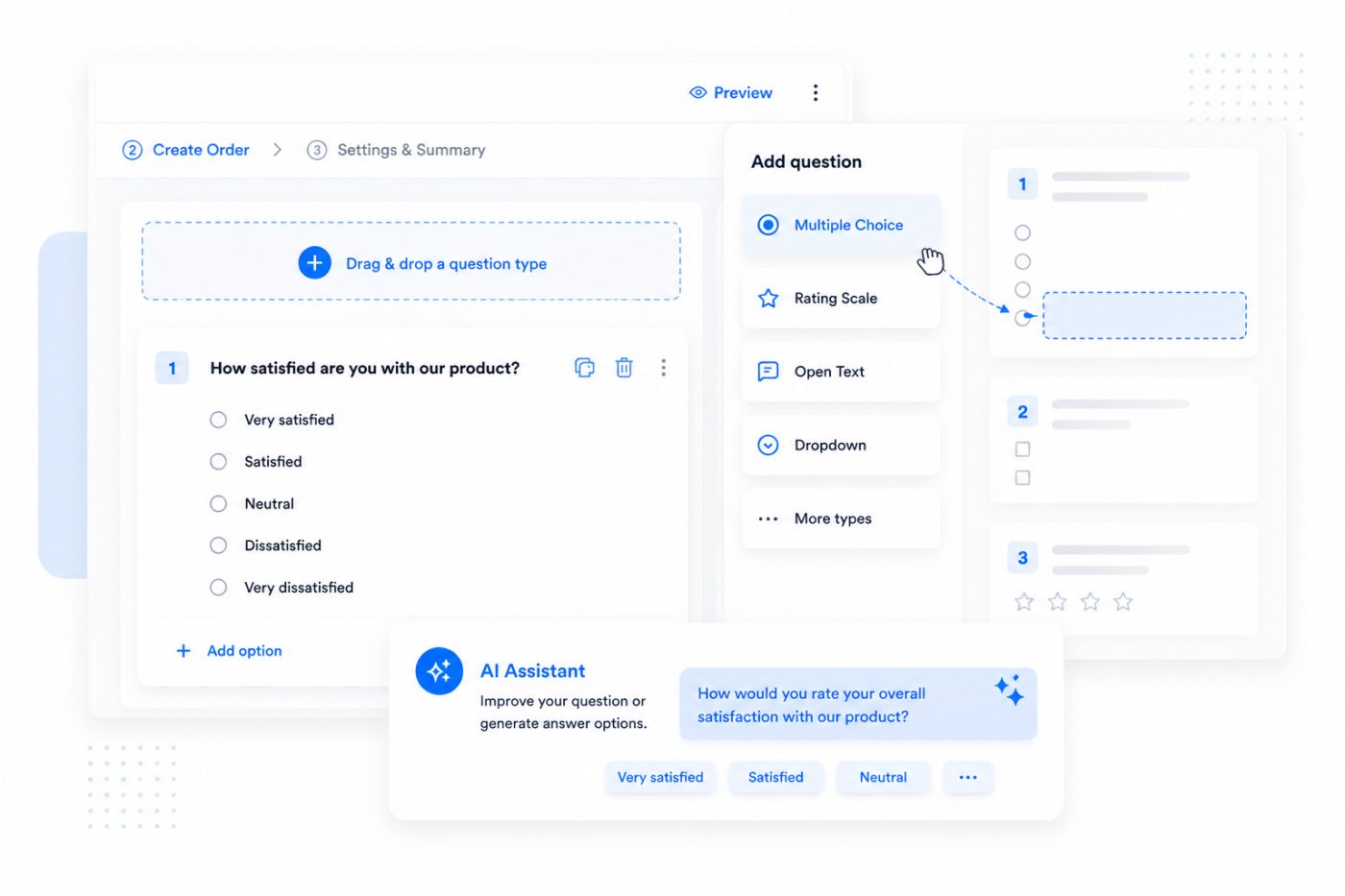
After selecting your participants, you create your questionnaire using our intuitive survey builder. Depending on your choice in the first step, you can either customize a ready-made template or build your survey from the ground up using drag-and-drop. The intuitive interface allows for quick implementation with zero technical overhead.
Key Features of the Survey Builder
AI-Powered Survey Creation for Greater Efficiency
The survey tool helps you optimize your questions and answer options. Write your questions as you normally would, then let AI refine them to be clearer, more precise, and better suited to your target audience. You can also have suggested answer options generated automatically and customize them as needed.
Collect, monitor, and analyze your data, all within the same platform. No need to export data to start understanding your results.
Built-In Reporting & Export Options
From quick feedback loops to structured research studies, your insights are accessible and presentation-ready.
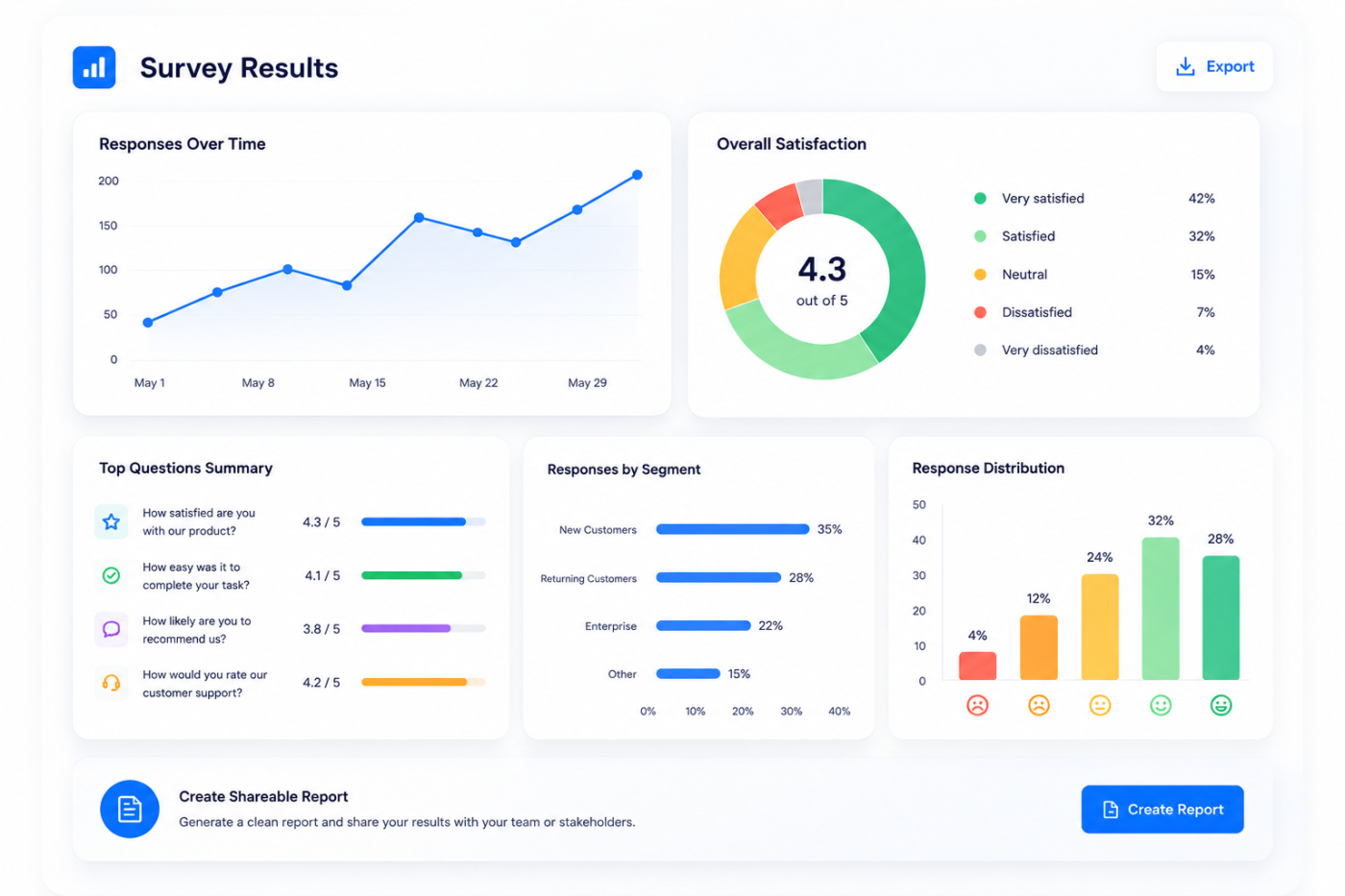
Launch surveys independently, stay in control, and get expert help when needed. All in one flexible platform.
Whether you want to test product ideas, collect feedback, or conduct market research, our survey software is designed for full autonomy. But you’re never on your own.
With the survey tool, you define your own costs. Set the reward per survey participant and maintain full control over your budget at all times.
How pricing works:
Total cost calculation:
Sum of all participant rewards you defined
+ 40% service fee
+ applicable taxes
Our survey software supports a wide range of use cases. Whether you’re working in marketing, UX, or research, you can collect fast, targeted insights to drive smarter decisions: with GDPR-compliant data handling built in.
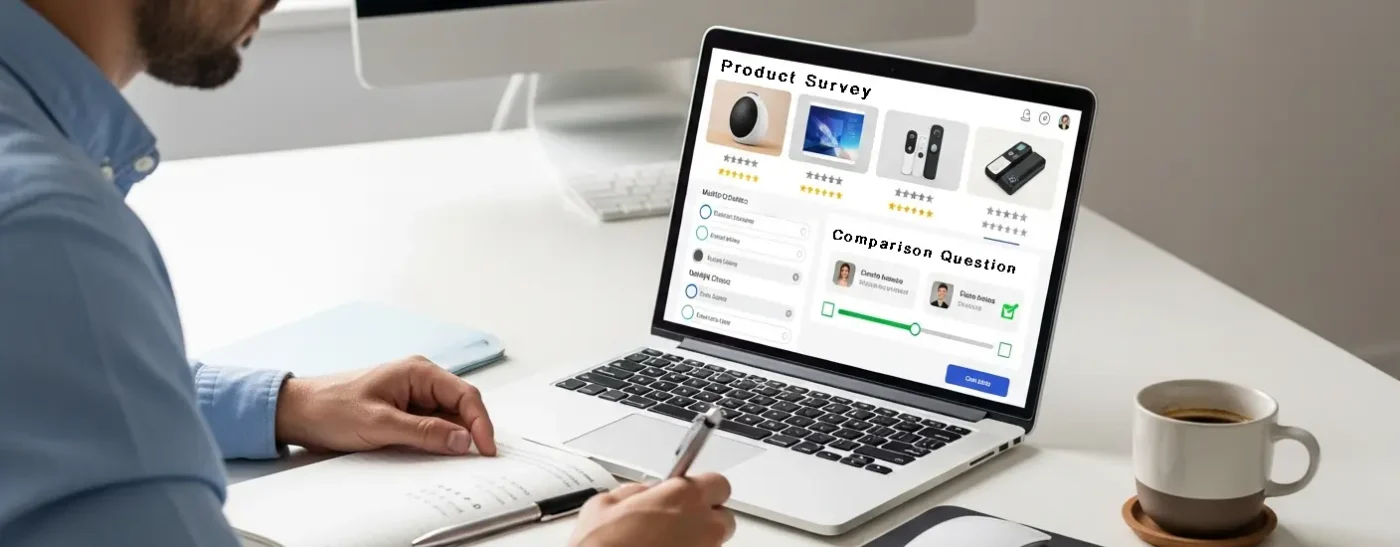
Test new product ideas, assess customer needs, or fine-tune your pricing strategy before going to market.
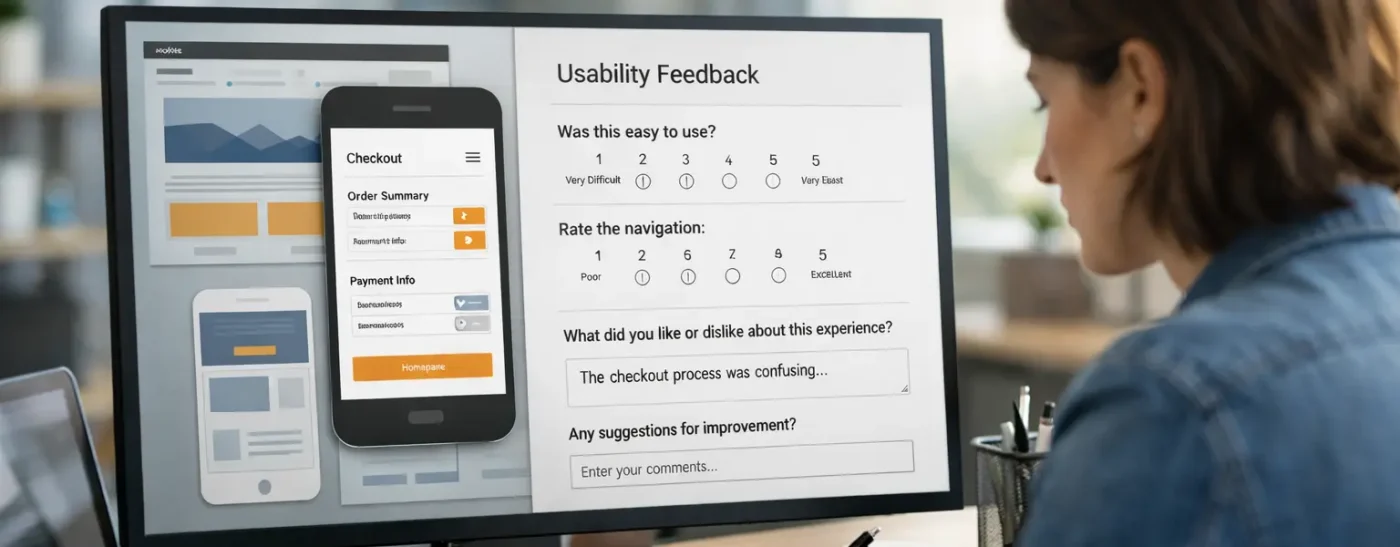
Make better design decisions based on user input.
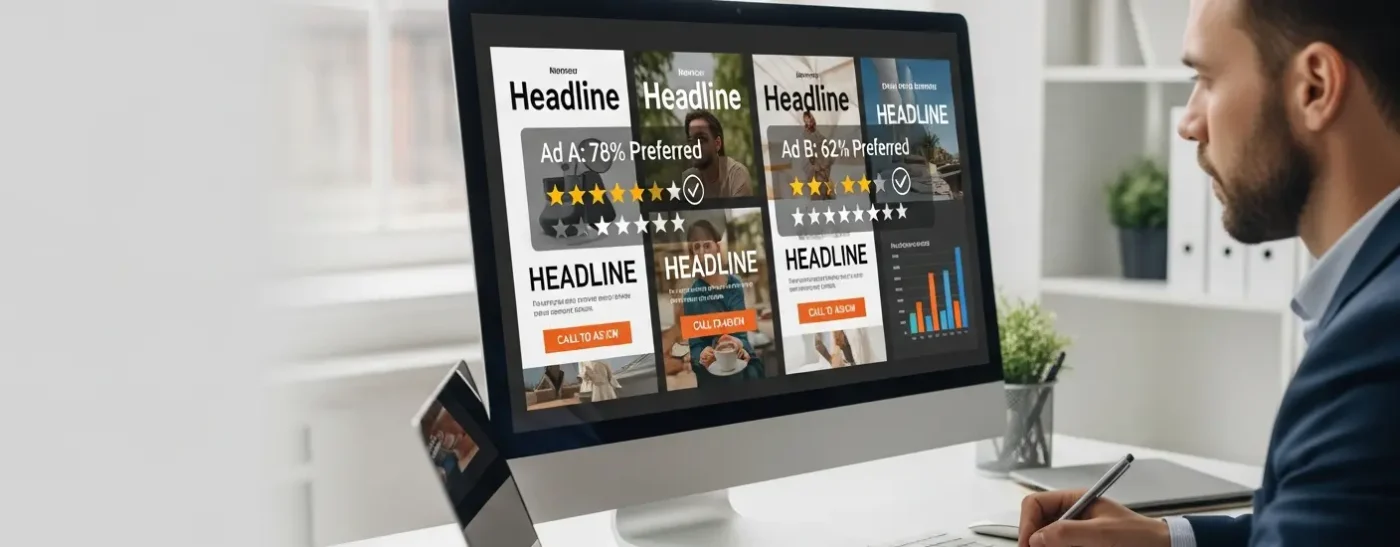
Optimize your marketing efforts with real audience feedback.

Understand how your brand is perceived in the market and how perception changes over time.

Conduct rigorous, methodologically sound studies with targeted respondents.
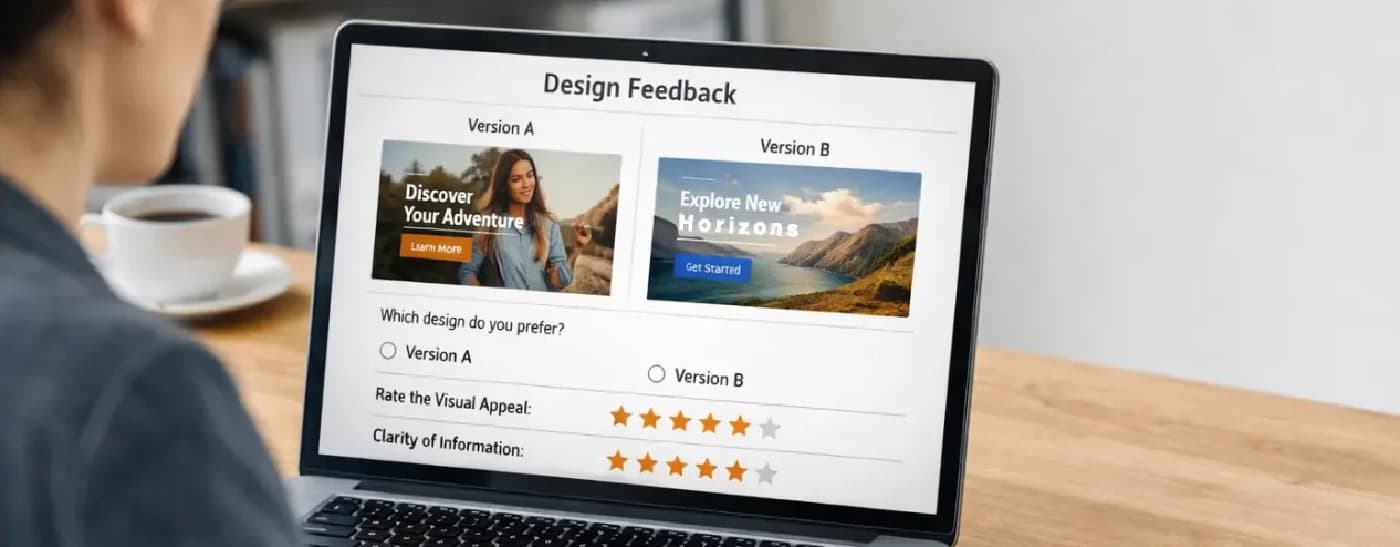
Validate creative concepts, layouts, and visual elements before launch with structured audience feedback.
Whether you’re a solo researcher, part of a UX team, or running global market studies: our survey platform scales with your needs and supports your workflow from start to finish.
Ready to launch your first survey? With our intuitive builder, built-in AI support, and access to millions of respondents, you can go from idea to insight faster than ever.
Whether you’re looking for speed, control, or scale, clickworker’s survey tool has everything you need to collect reliable data and make better decisions.
From Idea to Insight in 3 Steps
Need help? Our support team is just a click away and full-service options are available anytime.
Request a call or message us
We have been working with clickworker’s survey tool (ex resonio) for a couple of months now. When we have a question on how our audience would react, we immedtialy start creating new tests. It is a very quick way to get insights. Happy to work with clickworker’s survey tool.
Hazal
Tikir
Head of Digital, NORDSEE GmbH

Thanks to clickworker’s survey tool (ex resonio), we quickly gained precise insights into our customers’ willingness to pay and developed a solid pricing strategy. The intuitive platform made data collection effortless, and the results were available in no time—perfect for strategic decisions and investor discussions.
Ralf
Schollenberger
Founder, e-REVOLT

clickworker’s survey tool (ex resonio) has helped us to better understand the external perception of our brand. The transparent cost structure in particular sets clickworker apart from comparable offers that often work with opaque subscription models or credits.
Yannek
Sommer
Brand Communicator, Knuddels GmbH &
Co. KG

clickworkers survey tool (ex resonio) proved to be an extremely useful visual testing tool for our logo preference test. We were able to gather valuable feedback on the aesthetics and functionality of our new logo and effectively test its impact on our target group. The intuitive use of the platform is particularly noteworthy, allowing us to create a survey quickly and easily, even without extensive technical know-how. All in all, a great solution for anyone who wants to validate visual concepts and gain well-founded insights.
Tasja
Klimas
Team Lead Brand & Graphic, e-motion
ebikes

We used clickworker’s survey tool (ex resonio) to test our realignment and brand concept and to learn more about our target audience. We were particularly impressed by the analysis: With the many filtering options (e.g., by demographic criteria), you get highly precise insights—very helpful! The support was also excellent: fast, friendly, and always helpful. Truly a great tool that we can highly recommend!
Head of
Marketing
DoctorBox GmbH

We needed survey data to understand our audience’s perception of our brand and explore future directions for our brand architecture. Involving stakeholders helped us align decisions with their needs, ensuring our positioning resonated and highlighted areas for improvement.
clickworker’s survey platform (ex resonio) enabled quick, effective collection and analysis of stakeholder feedback, validating our brand strategy and uncovering new insights. It specifically helped us make a key decision on structuring our sub-brands to ensure a consistent identity across sport segments.
I loved the simplicity and efficiency — clickworker’s survey platform (ex resonio) made it easy to set up surveys, gather responses, and analyze everything in one place. The customizable features ensured we got the most relevant feedback, and the fast turnaround on insights was invaluable for our project timeline. Plus, the support was fantastic; having access to live chat assistance made the process smooth and stress-free.
Tobias
Brunner
Marketing Director, SOCCA GROUP

I needed to gather survey data to better understand consumer preferences and assess the effectiveness of our marketing claims. Using clickworker’s survey platform (ex resonio) was invaluable in providing clear insights that guided our decision-making process, particularly in refining our product messaging and design. My favorite aspect of the experience was the user-friendly interface, which made it easy to create surveys and analyze the results efficiently, allowing us to focus on what really mattered for our brand strategy.
Timo
Henning
jocapps® GmbH

For a book project, I had to validate a complex hypothesis. I chose a
mixed-methods approach combining qualitative in-depth interviews and
an online survey. I opted for clickworker’s survey platform (ex
resonio) due to its all-in-one approach: sign up, define the target
audience, create the survey (with excellent usability and all common
question types), review, publish online, and pay per project instead
of a subscription. The respondents come from the clickworker panel, so
you don’t have to worry about recruitment or incentivization
either.
As for customer support, I received helpful responses to my inquiries
in no time. All in all, a top-notch customer experience.
Marcus
Völkel
Executive Director, Customer Experience
& Generative AI Strategy, interactive tools

We needed to conduct some quick initial market research, and clickworker’s survey platform (ex resonio) made it incredibly easy. What really stood out to us was how straightforward and fast the entire process was—from signing up to launching our survey, it took just a few minutes. The results came in very quickly too, which meant we could wrap up the entire survey within 24 hours. This level of speed and simplicity made it easy for us to gather the insights we needed without any hassle. In our experience, clickworker’s survey tool is a great option if you need quick results on specific questions.
Ralph
Schönfelder
CEO, afterlife GmbH

For my latest research project, I needed a very specific sample that I was unable to acquire from my professional and private environment. clickworker’s survey tool (ex resonio) helped me to easily obtain the necessary number of participants and to collect the required data for my research project. Clear recommendation!
Chair of
Business Administration
Faculty of Business
Administration and Economics, Heinrich Heine University Düsseldorf

clickworker’s survey tool (ex resonio) has changed my market research experience. Its easy-to-use interface, fast results and accurate audience segmentation make it my go-to tool. With high quality analysis and charts, clickworker delivers top-notch market research at an unbeatable value.
Vitaly
Vishnepolsky
CEO, Martal Group

I recently explored clickworker’s survey tool (ex resonio) and was impressed by its commitment to delivering comprehensive market insights in a user-friendly manner. The platform’s rich and regularly updated database spans various industries, providing users with a wealth of valuable information. Navigating the site is intuitive, making it accessible to users of all levels of expertise. The inclusion of interactive visualizations further enhances the user experience, presenting complex data in a digestible format. The quality of information justifies the investment for serious researchers. The value gained from the premium features positions clickworker’s survey platform as a valuable resource for professionals and businesses seeking in-depth market analysis. Overall, my experience with clickworker’s survey tool has been positive, offering a reliable and efficient solution for market research needs.
Esther
Kasinde
Affwest
Watch tutorials that demonstrate the different features of our survey tool.
With clickworker's self-service survey tool, you can run market research, test product ideas, or gather user feedback, all from a single interface. The platform is designed to streamline every step of the process, from question creation to response analysis.
Creating your own survey is quick and intuitive. Choose from a variety of pre-built templates or start from scratch (templates will be available soon) using a drag-and-drop interface. Add multiple-choice, rating scales, open-ended questions, or screening logic. To speed things up, you can use our AI assistant to generate questions based on your topic or goals.
Absolutely. clickworker gives you access to millions of global survey respondents with customizable targeting options. You can filter participants by age, gender, language, location or device type. This ensures your survey reaches the most relevant audience and delivers high-quality, actionable data for your research or business decisions.
Unlike basic survey software, our platform combines a powerful self-service tool with access to a managed global respondent pool. You can run surveys entirely on your own or get help when needed. Advanced features like AI support, targeting filters, and built-in quality checks set us apart from other tools. For complex needs, our managed service team can help with API integration, custom setups, or end-to-end project execution.
Our platform is built for independence, but support is always available. You can access our Support Center to submit tickets or browse guides. For advanced questions, complex requirements, or larger research setups, our full-service team is just one call or contact form away.
Yes. Data privacy is a top priority. clickworker's survey tool fully complies with GDPR requirements. All data is securely handled, and respondents' rights are respected throughout the process. This makes the platform safe for academic, commercial, and public sector research alike.